Creating a Knowledge Base and Adding Documents
The RAG pipeline uses PostgreSQL with the PGVector extension as its vector store. New knowledge bases (collections) and document ingestion are managed through the UI or through Kubeflow Pipelines.
Creating a New Knowledge Base via the UI
-
Open the RAG UI and expand the Knowledge Base section in the left sidebar.
-
Click Create New and enter a unique name for your knowledge base (e.g.,
my-kb).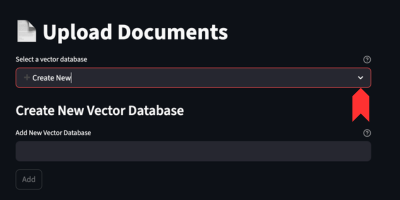
-
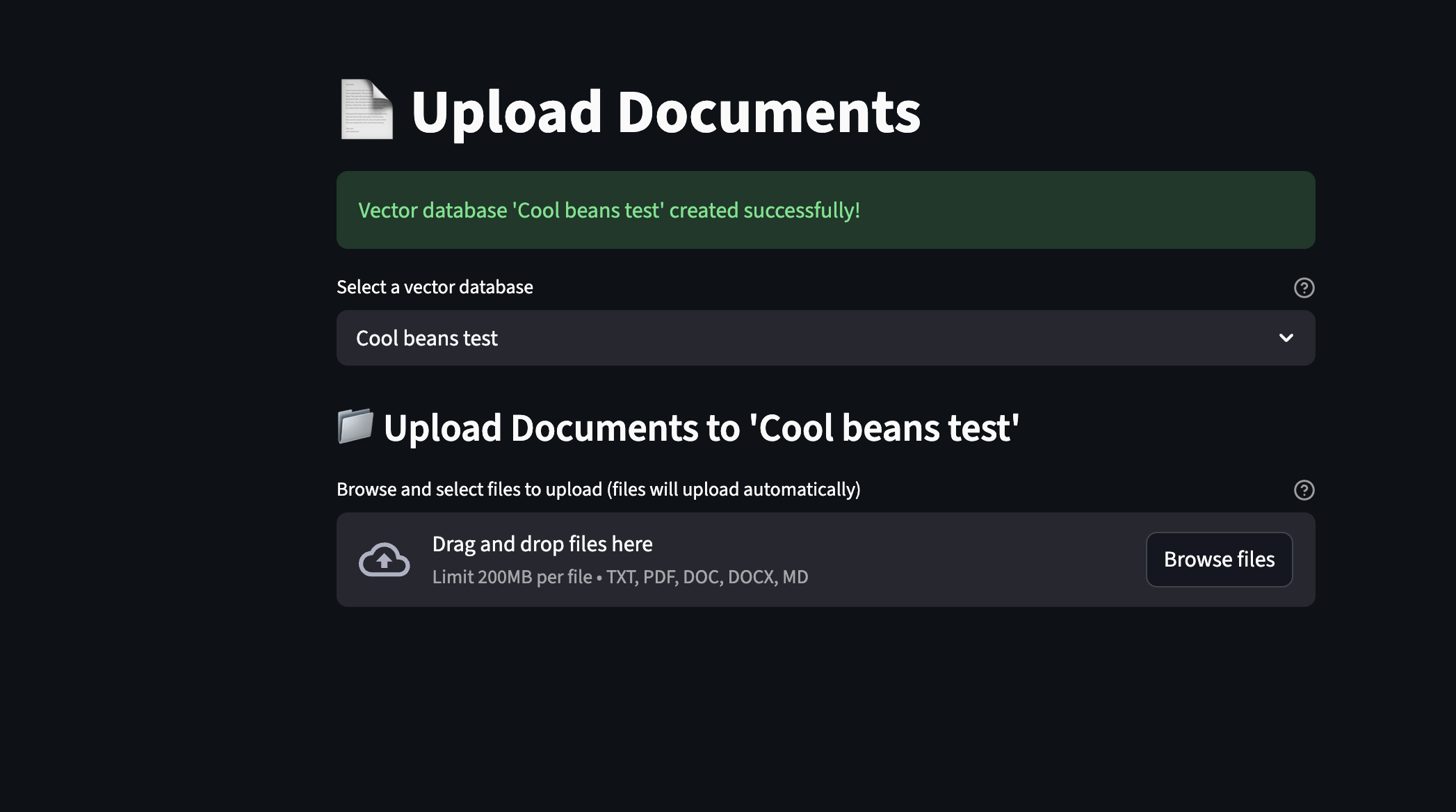
Confirm creation — the new collection is registered in PGVector and is immediately available for selection.
Adding Documents via the UI
-
With your collection selected, click Upload Documents.
-
Choose one or more files (PDF, plain text, Markdown) from your local machine.
Support for
.docxand.xlsxfile types is being added and will be available in an upcoming release. -
The UI passes each file through the ingestion pipeline which:
-
Cleans and chunks the document text
-
Generates embeddings using the loaded embedding model (you can select a different embedding model from the dropdown)
-
Stores the embedding vectors in PGVector under your chosen collection
-
Extraction and Chunking Mode
Document extraction and chunking can run in one of two modes:
-
Local — extraction and chunking happen directly inside the application. This is the default mode and requires no additional infrastructure.
-
Pipeline — extraction and chunking are offloaded to a Kubeflow Pipeline running on OpenShift AI. This is better suited for large-scale or batch ingestion workloads. See Kubeflow Pipeline for configuration details.
|
A toggle to switch between local and pipeline-based extraction/chunking is being added and will be available in an upcoming release. |